
Smart scanning
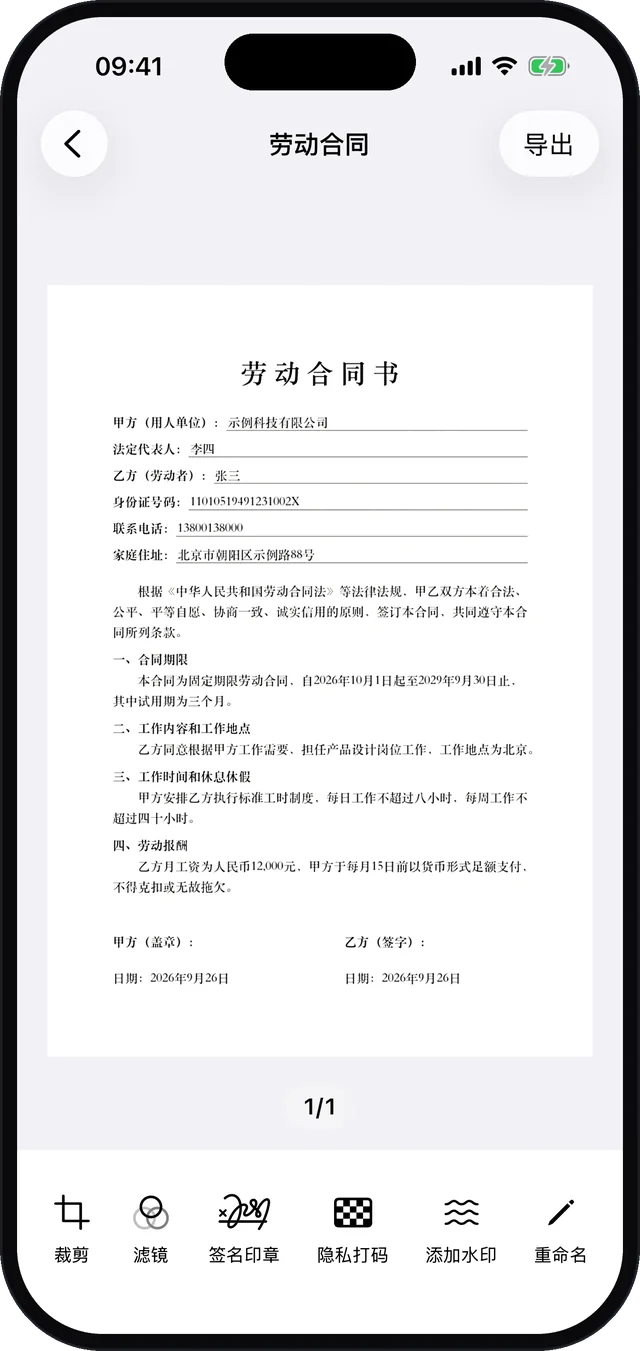
Detects document edges, captures automatically and corrects perspective. Import from Photos too.
Free · No ads · Document scanner for iPhone
Point and scan: edges are detected automatically, pages are straightened and shadows removed, and you get a clean PDF in one tap. Redact ID and phone numbers, make ID card copies, sign contracts and extract text — all on your device. Nothing is uploaded.
Left: a photo taken straight from the phone. Drag the slider to compare the straightened original with the HD filter — shadows and yellow paper tint are removed while text stays sharp.
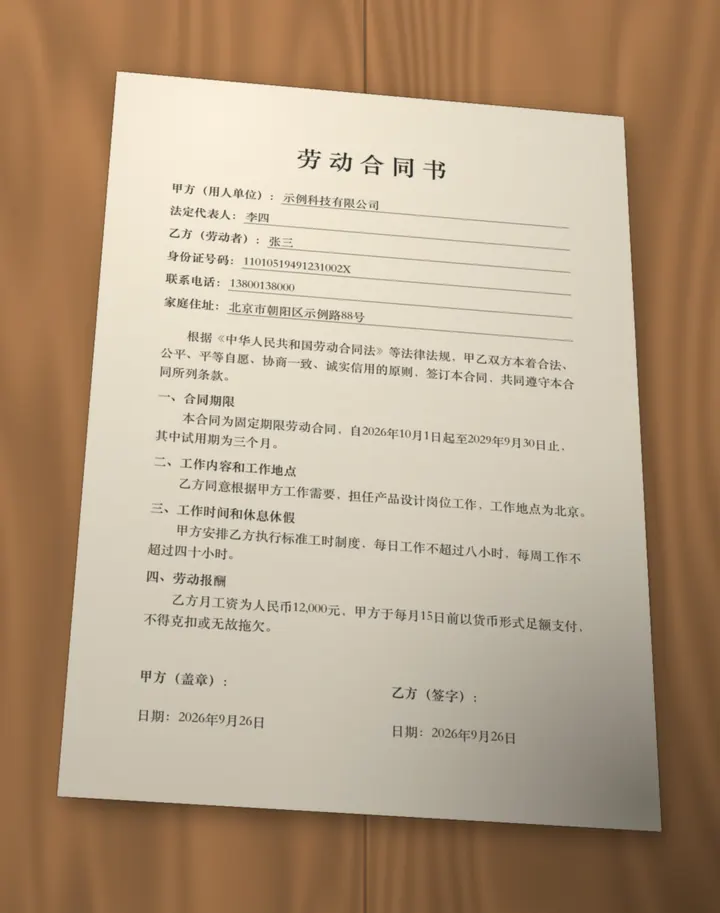
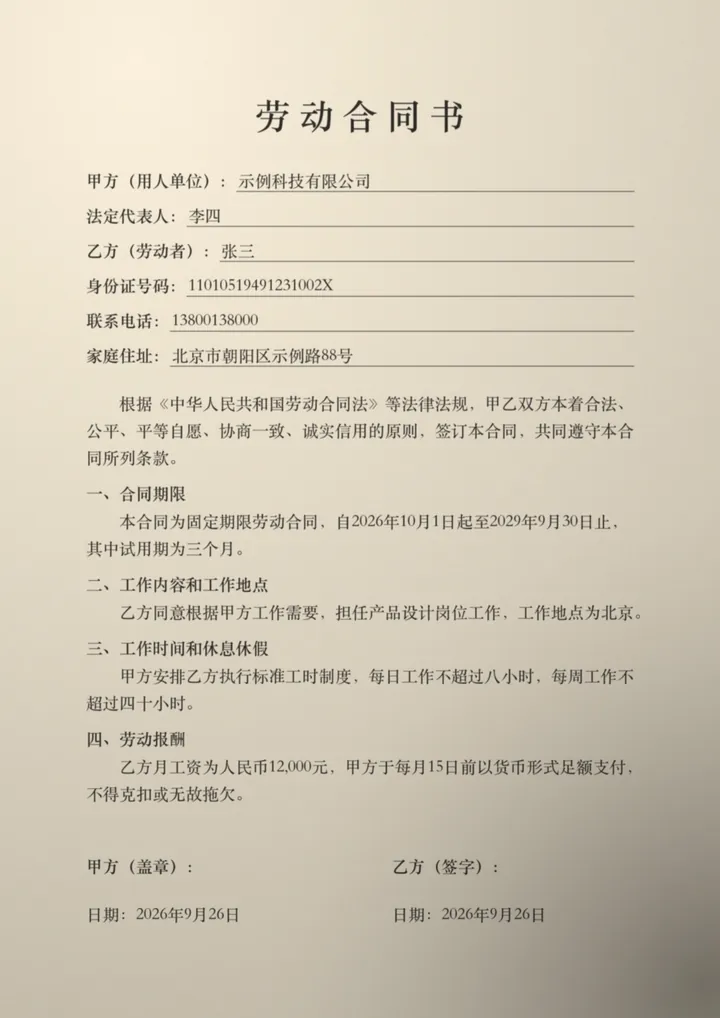
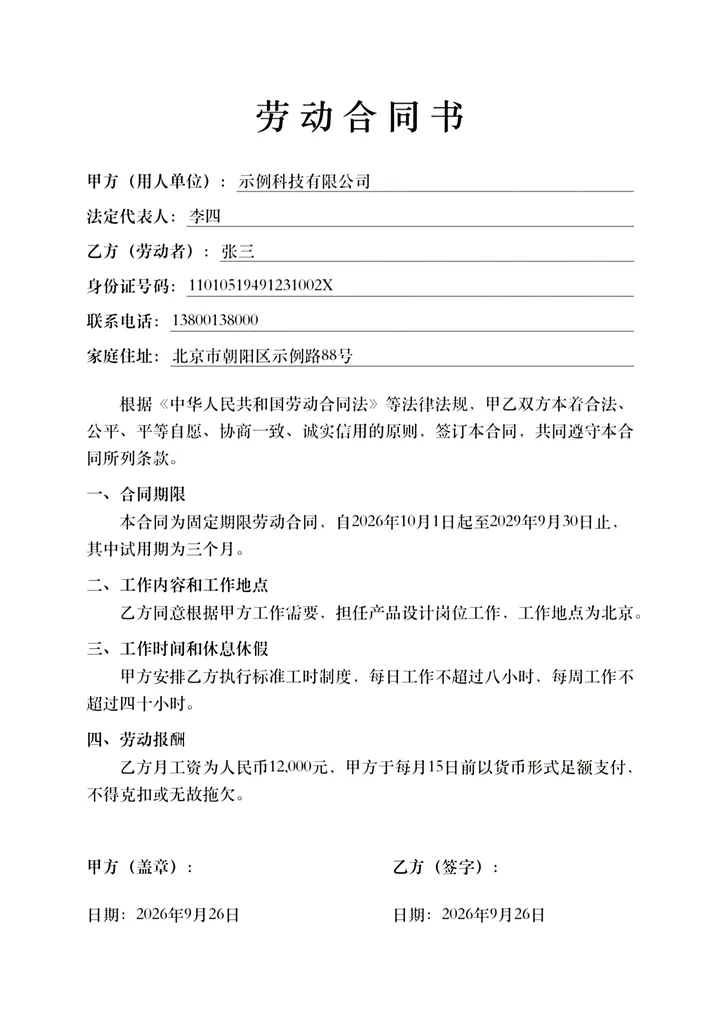
Detects document edges, captures automatically and corrects perspective. Import from Photos too.
Original, Bright, HD, Print, Color Print, Grayscale and B&W — remove shadows and whiten paper.
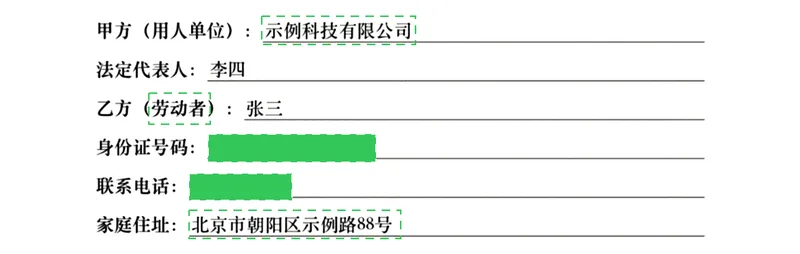
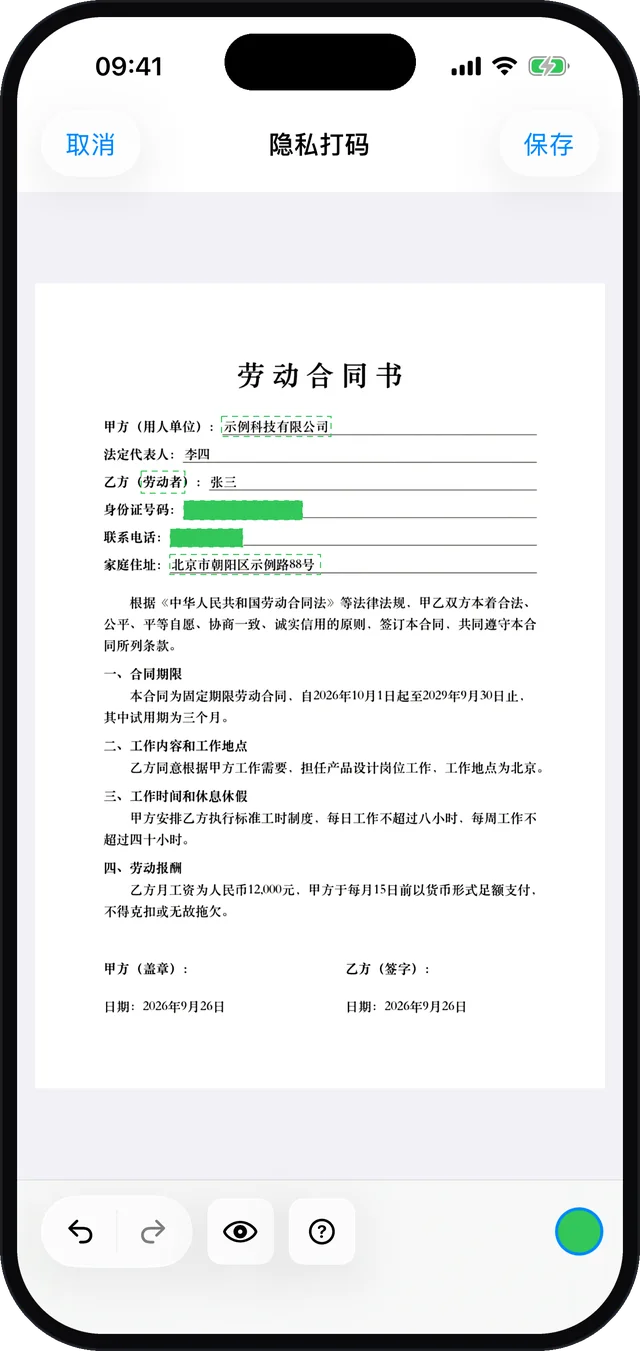
Automatically covers ID numbers, phone numbers, bank cards, emails, QR codes and faces.
Both sides of an ID card on one A4 page. Export as PDF, Word or images.
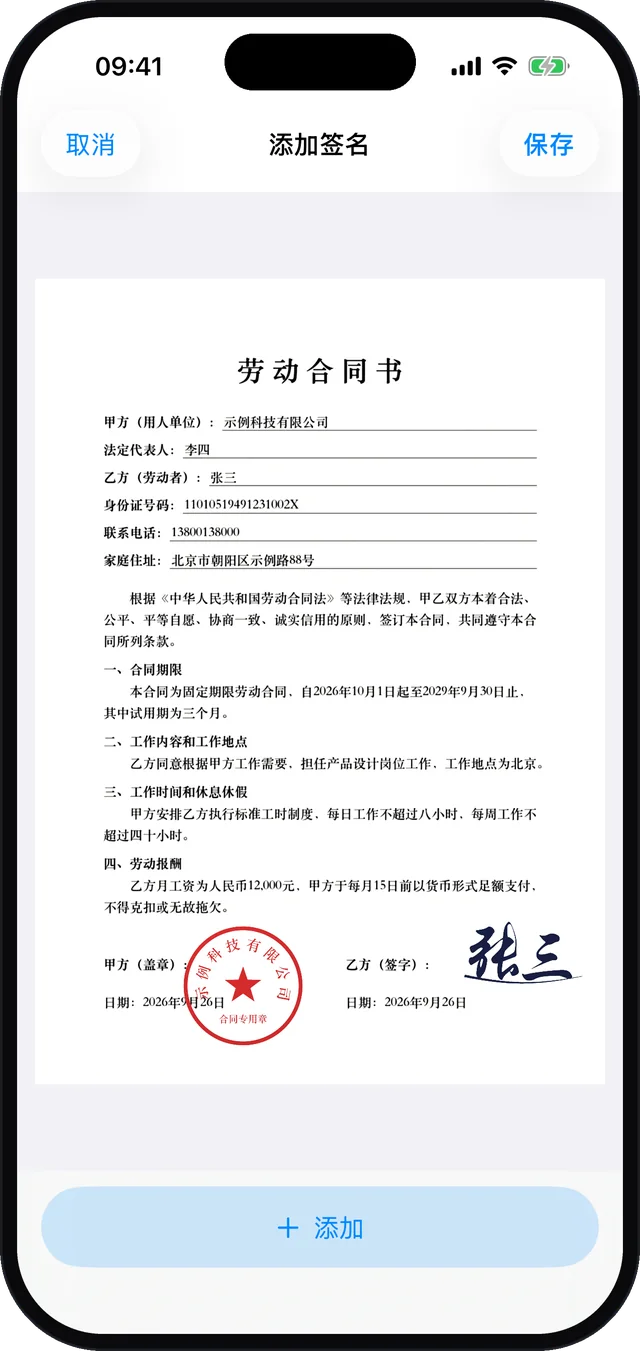
Draw a signature, or extract signatures and stamps from paper into your library.
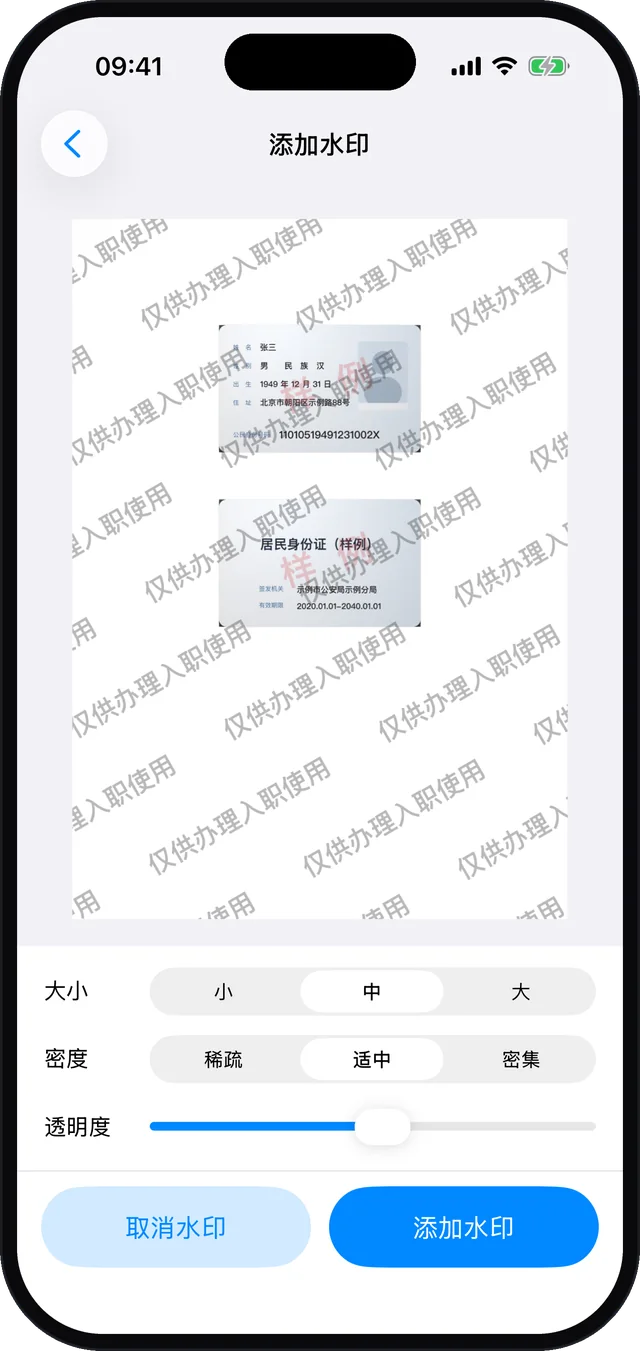
Custom watermark text, size, density and opacity to mark the intended use.
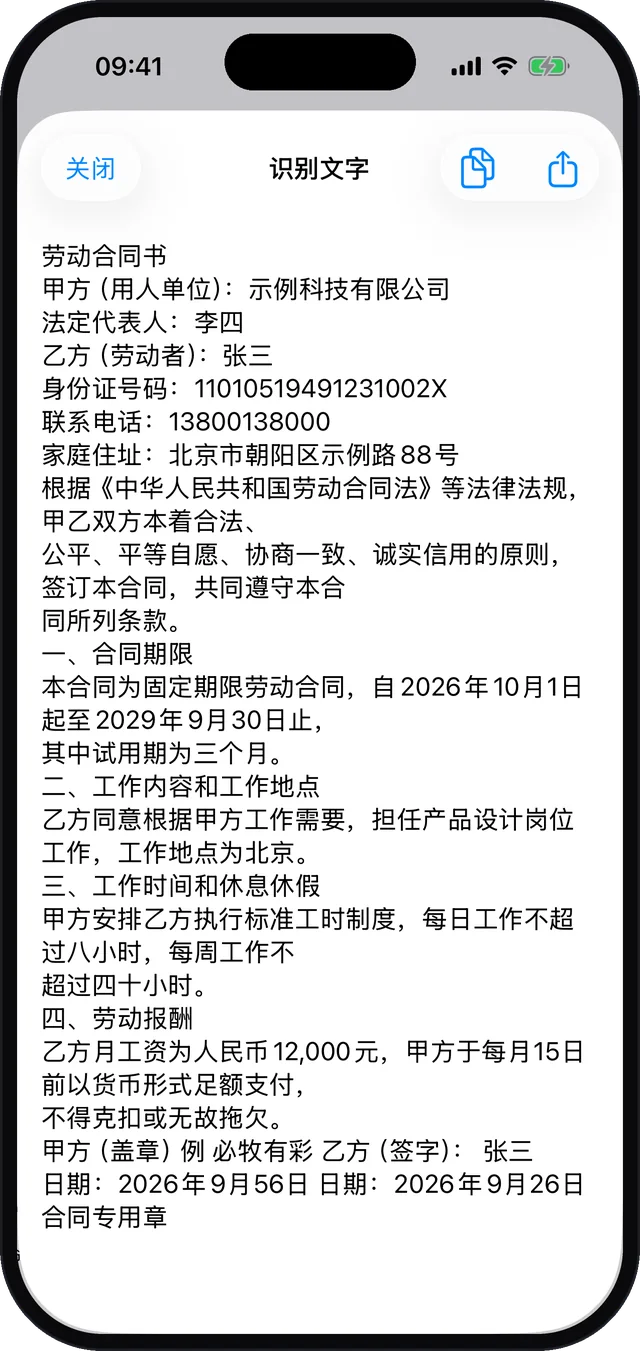
Extract text in Chinese, English, Japanese and more, then copy or share.
Edit a copy of any PDF: insert or delete pages, sign, watermark and redact.
Export PDF, images or ZIP, print directly, or share to any app.
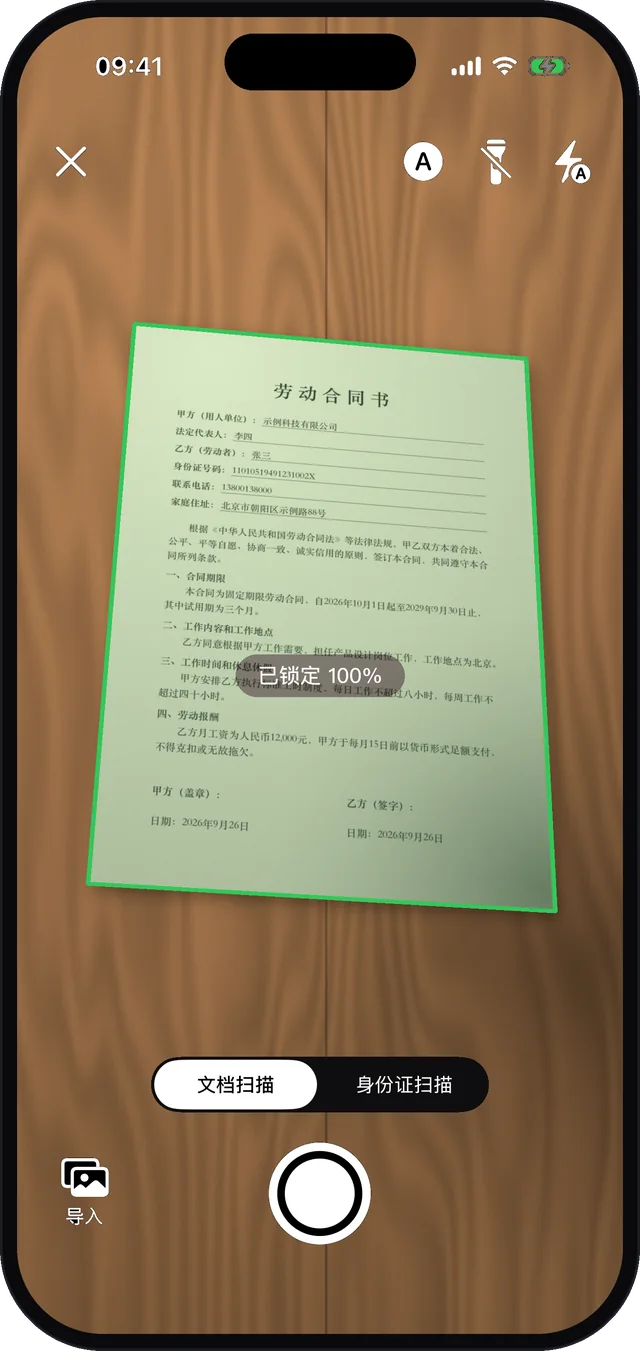
Hold your iPhone over a document and FlashScan finds the edges in real time — the frame turns green and the page is captured automatically. Keep going for multi-page documents.
Open Redact and FlashScan scans the page on your device. ID numbers, phone numbers and similar data are covered right away; names, addresses and company names are suggested — tap to confirm. Long-press words or draw a box to cover anything else.

Switch to ID card mode, capture the front and the back, and FlashScan lays both sides out at real size on one A4 page. Add a watermark that states what the copy is for.
Draw your signature on screen, or photograph a signature or stamp on paper — FlashScan removes the background and saves it to your signature library. Place it on any page, then move, resize and rotate.
Tap Extract Text to recognize the current page or the whole document. Select just the part you need, or share everything.
Scans often contain ID numbers, amounts and signatures. FlashScan does its scanning, filtering, text recognition and redaction on your iPhone — never on a server.
Scanning, filters, OCR and redaction all run locally, even offline.
Documents, signatures and stamps are stored only on your device. We cannot access them.
Open it and start scanning. No sign-up, no phone number.
To improve the app we use Umeng analytics for anonymized device and usage statistics. It never includes document content. Read the privacy policy (Chinese)
Tip: documents live only on your device and are removed if you delete the app. Export important files as PDF before switching phones.
ID copies, diplomas and certificates as one PDF for HR.
Sign the lease, then redact ID and phone numbers before sending.
Receipts and invoices scanned into a single PDF.
Homework, exams and notes archived; text extracted from books.
Watermark copies with their intended use.
Yes. FlashScan is free on the App Store, with no account and no ads.
No. Scanning, filters, text recognition and redaction run on your iPhone. Documents, signatures and stamps are stored only on your device. The app uses Umeng analytics for anonymized device and usage statistics, which never include document content.
Not at the moment. FlashScan requires an iPhone running iOS 16 or later.
ID numbers (with checksum validation), phone numbers, bank card numbers, emails, @handles, QR codes, barcodes and faces are covered automatically. Names, addresses and company names are suggested for you to confirm. Detection rules are tuned for Chinese formats; you can always long-press words or draw a box to cover anything else.
PDF and images (ZIP for multi-page documents). ID card copies can also be exported as Word. You can print directly or share to any app.
Chinese, English, Japanese and other common languages are detected automatically.
Documents are stored only on the current device and are deleted with the app. Export important documents as PDF before switching phones or uninstalling.
Free to download. Nothing leaves your phone.
Download free on the App Store